How to Unlock a PDF When You Know Its Password
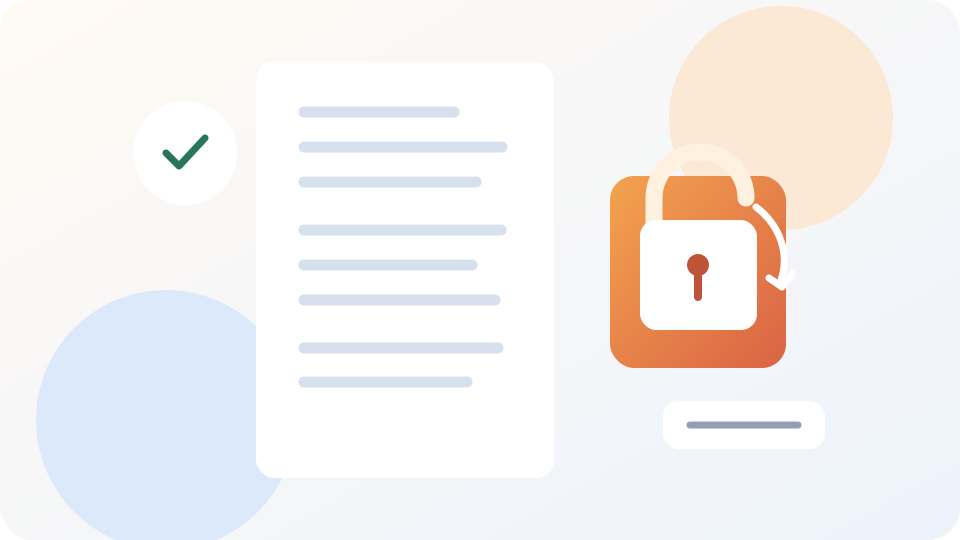
If you own a PDF or have permission to change it, you can remove its password protection when you have the password. An open (user) password is needed to view a file; an owner password may control permissions such as printing or editing. This guide covers authorized removal only. It does not recover, guess or bypass an unknown password.
Remove password protection with the known password
- Open Unlock PDF and select the protected file.
- Enter the password that opens the document. If you also need to remove owner restrictions, use the owner password where requested.
- Run the tool and save the unlocked result as a new file.
- Close the result and reopen it. Confirm it no longer prompts for the password and that the pages you need are present.
If the password does not work
- Check capitalization, keyboard layout, accidental leading or trailing spaces and characters that look alike.
- Ask the document owner or sender for the correct password and whether they sent an updated copy.
- Some certificate-protected or custom-secured PDFs require the software and credentials used by the issuer.
If you do not have permission or the required password, ask the owner for an accessible copy instead of trying to bypass the protection.
Protect the unlocked copy
An unlocked PDF can be opened by anyone who receives it. Store and share it carefully, especially if it contains personal or confidential information. Keep the original protected file until you verify the new copy works. If only a few pages are needed, extract those pages and share only the minimum necessary information.
Frequently asked questions
Can I unlock a PDF without its password?
This guide and tool do not crack or guess passwords. Ask the owner for the password or an authorized unprotected copy.
What is the difference between an open password and an owner password?
The open password is required to view an encrypted PDF. The owner password manages permissions such as printing, copying or editing.
Will the unlocked PDF still be private?
Not by password protection. Anyone who obtains an unlocked copy may be able to open it, so use an approved secure method to share it.