How to Password Protect a PDF and Choose a Strong Password
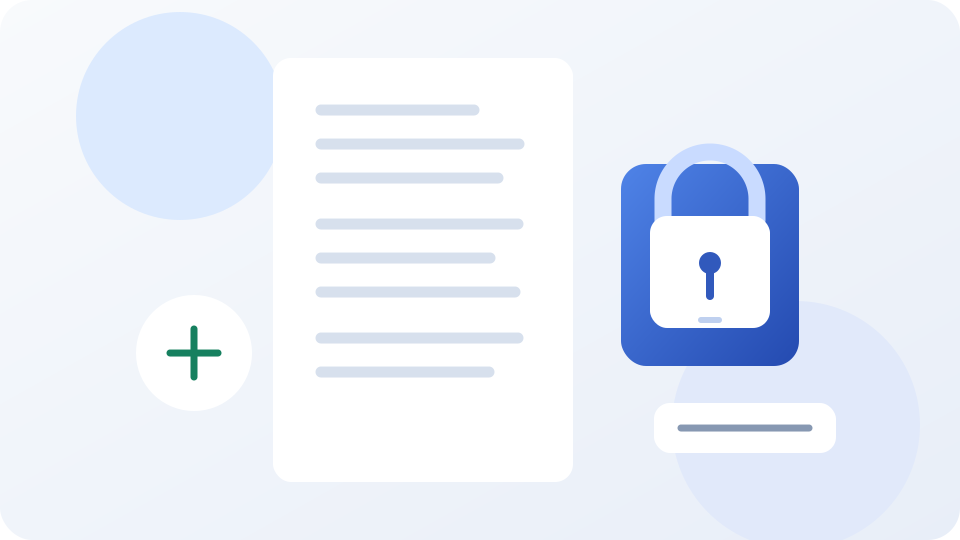
A PDF open password encrypts a document so a reader needs the password to view it. This is different from permission flags that ask PDF readers to block printing, copying or editing. If you need confidentiality, set an open password and share it separately from the file.
Add a password with the browser-based tool
- Open Password Protect PDF and select the document.
- Enter the open password and confirm it exactly. Use a long, unique passphrase that you do not use for another account.
- Choose optional printing, copying or editing restrictions if you need them. These restrictions are reader-enforced permissions, not a substitute for the open password.
- Run the tool and save the encrypted PDF as a new file.
- Test the copy by closing it and opening it again. Enter the password when prompted and confirm the document is readable.
Choose and share the password safely
A longer, unpredictable passphrase is easier to use and harder to guess than a short word or date. Store it in an approved password manager. Send the password through a different trusted channel from the PDF; putting both in the same email provides little separation. If the recipient cannot open the file, check for accidental spaces, capitalization or a mismatch between the password you sent and the one you set.
Know what PDF permissions do
Printing and copying restrictions are not strong access control: some software may ignore them. They do not hide information from someone who already has the open password. For sensitive content, share only with intended recipients and use an organization-approved protected storage or delivery method.
Keep an unencrypted original
Save the protected copy separately and keep the original somewhere secure in case you need to change the password or recover the file. The tool cannot recover a forgotten password. Test the final file in the PDF reader your recipient is likely to use before sending it.
Frequently asked questions
Does a PDF password stop printing or copying?
An open password controls access to the file. Optional print and copy restrictions are permissions that many readers honor, but they are not a strong security boundary.
Can I recover a forgotten PDF password?
No. Keep the password in a secure password manager before you rely on the protected file.
How should I send the password?
Share it through a separate trusted channel from the encrypted PDF, and confirm the recipient can open the file.