
How to Merge PDF Files on an iPhone or Android Phone
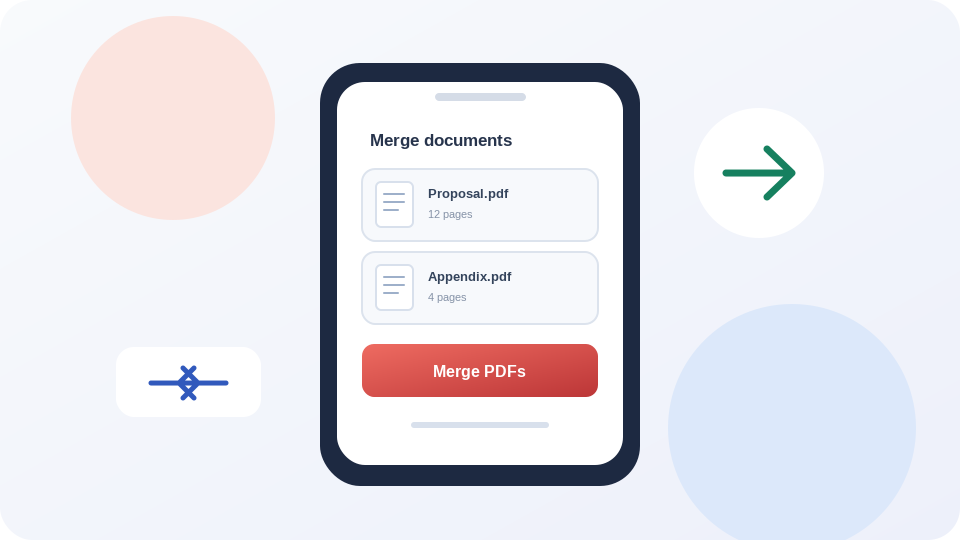
You can combine documents on a phone without moving them to a desktop. Before you start, put the PDFs in a place your browser can reach, decide their final order, and make sure you have enough free device memory for the combined file.
Merge PDFs in a mobile browser
- Open Merge PDF in your phone’s browser.
- Choose the PDF files from Files on iPhone or your Android file picker. Select at least two files.
- Arrange the list in the order you want. The first file becomes the beginning of the merged document.
- Run the merge and save or download the new PDF. If prompted, choose a folder you can find again.
- Open the result and check the first and last pages of each source file, along with the total page count.
iPhone and iPad tips
Use the Files picker to select PDFs stored on the device or in a connected storage location. If the browser offers a preview instead of a download, use its share or save option to place the merged copy back in Files. The exact prompts vary by iOS version and browser.
Android phone tips
Use the system file picker to select documents from Downloads or another folder. After the tool creates the file, check the browser’s download notification or Downloads folder. If the phone is low on memory, close other apps or merge a few files at a time.
Check order, page sizes and compatibility
Files are joined in the order shown in the tool. A merged PDF can contain pages of different sizes or orientations. If the result is too large to email, try compressing a copy; then confirm the text remains searchable if that matters. Save the original PDFs until you know the combined document is complete.
Keep private documents private
Choose a tool and storage location that meet your privacy needs. Do not share the resulting file through a public link or an unapproved service. If the PDFs are password-protected, follow the owner’s instructions and use only passwords you are authorized to use.
Frequently asked questions
Can I merge PDFs without installing an app?
Yes. A browser-based merge tool can combine files selected through your phone’s file picker. Save the output and verify it opens correctly.
Why can’t I find the merged PDF on my phone?
Check the browser’s download notification, the Downloads folder or the location you selected in the file picker. Download behavior varies by browser and operating system.
Can I merge a large number of PDFs on a phone?
It depends on available memory and the size of the documents. If the browser runs out of memory, merge smaller batches and then combine those results.