How to Compress a PDF Without Losing Searchable Text
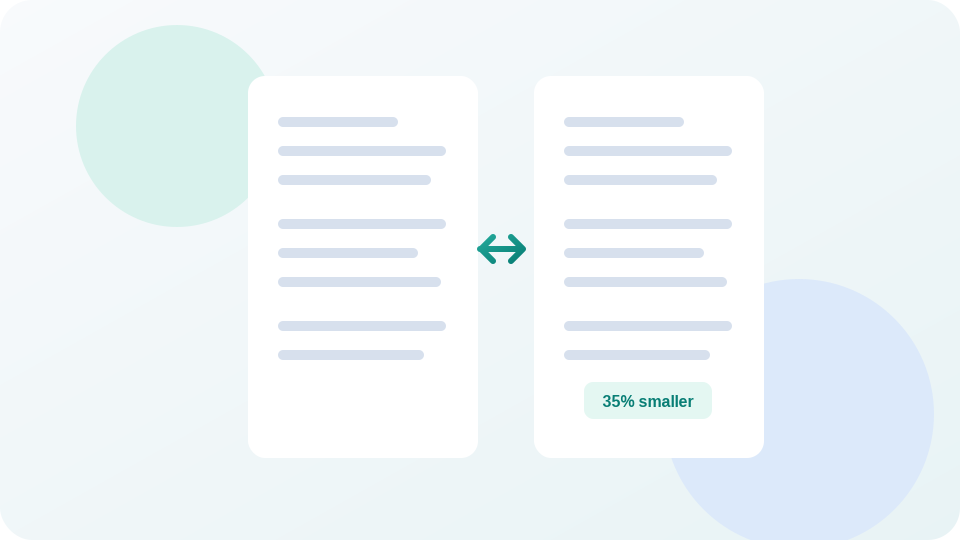
PDF compression can reduce email and upload sizes, but not every method preserves the useful parts of a document. To keep searchable text, select a mode that recompresses embedded images rather than converting every page into a picture. Compare the output before replacing your original.
Choose a text-preserving compression method
- Open Compress PDF and select your file.
- Choose the image recompression option if you need selectable text, search, links or form fields to remain usable.
- Start with a higher image quality. If the file is still too large, try a lower quality and compare small text, charts, signatures and photos.
- Run the compression and compare the reported file sizes.
- Open the result. Select and copy a sentence, search for a word, click important links and test any required form fields.
Why a PDF may not shrink much
A file made mostly of text and vector graphics may already be compact. Image-only recompression has little effect if the PDF contains few JPEG photos or if those images are already optimized. Repeatedly saving a lossy image can also reduce quality, so keep the original and avoid compressing the compressed copy.
When maximum compression is not the right choice
Some high-compression modes flatten pages into images. The pages may look smaller on disk, but text may no longer be selectable or searchable, and links or form fields may stop working. Avoid that mode for accessible documents, contracts, forms, or anything people need to search and copy from.
Check image quality and page content
Inspect fine print, small table labels, barcodes, diagrams and signatures at the size people will read or print them. If a page looks fuzzy, use a higher quality setting. For a scanned document, OCR can add a searchable text layer; see how to make a scanned PDF searchable. OCR does not restore lost image detail.
Keep an original and compare the result
Compression should create a new copy, not replace your source. Check the file size, readability, page count, text selection and links before sharing. If a portal rejects a file for a specific size limit, aim below that limit and leave a small margin rather than compressing more than necessary.
Frequently asked questions
Will compressing a PDF make its text unsearchable?
Image recompression keeps the existing text layer. Flattening each page into an image does not. After compression, select and search for text to confirm the result.
Why did compression barely change the file size?
Text-only files or PDFs with already optimized images have little data that image recompression can reduce.
Can I restore image quality after compression?
No. Lossy image changes cannot be reversed. Keep the original PDF and create another copy with a higher quality setting if needed.